Time Blocking 101: A Practical Guide to Planning Your Day
Do you ever look at your to-do list and feel like there’s simply too much — too many tasks, too many decisions, and not enough time?
That’s exactly why I love time blocking.
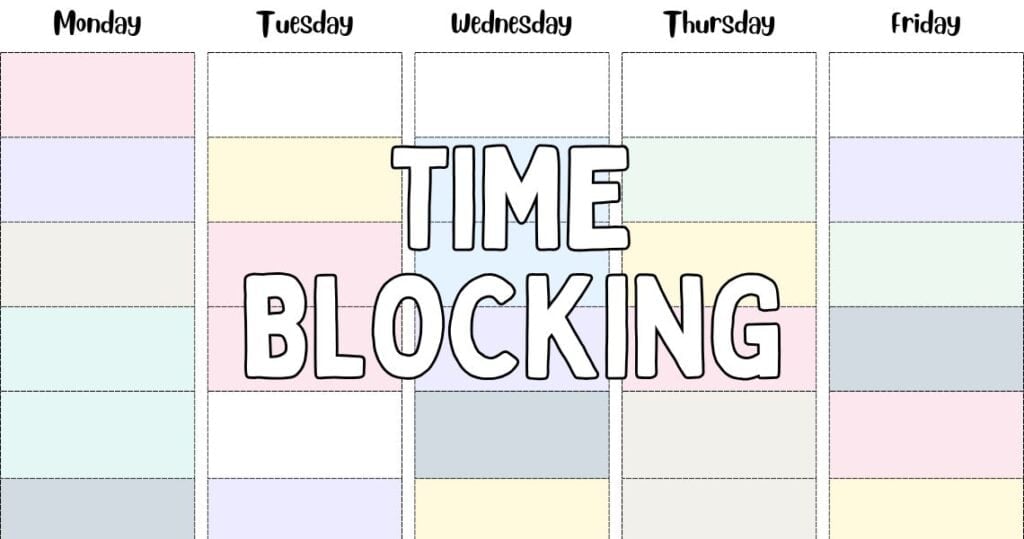
Instead of trying to squeeze tasks into the leftover pieces of your day, time blocking helps you create time blocks for the things that matter.
It cuts down on context switching, protects your focus, and makes your day feel calmer and more under control.
Let’s walk through this lovely time and task management technique together — in a way that fits real life, work, home, and everything in between.
This post may contain affiliate links, which means I’ll receive a commission if you purchase through my links, at no extra cost to you. Please read full disclosure for more information.
What Is Time Blocking?
Time blocking is a simple time management strategy where you divide your day into blocks of time, and each block has a
Instead of guessing when you’ll get to something, you:
- assign tasks to specific blocks
- decide how long tasks should take
- group similar tasks together
- visually plan your day in a time blocked calendar (digital or paper)
So instead of a long open-ended to-do list, you might have:
- 9:00–9:30 — Email and messages
- 9:30–11:00 — Deep work / important project
- 11:00–11:30 — Admin & little tasks
- 13:00–14:00 — Household tasks / errands
- 15:00–16:00 — Planning, organizing, or creative work
You’re not just saying “I should do this today.”
You’re saying: “I’ll do this from 10:00–11:00.”
That tiny shift makes a big difference:
- You spend less time deciding what to do next.
- You protect time for the things that truly matter.
- You stop letting the whole day disappear into little “urgent” tasks.
You’re not scheduling your life down to such a detailed level that it feels stressful.
You’re simply giving your important tasks, personal time, and even the smaller tasks a place to live.
And the best part?
A time-blocked schedule helps minimize distractions and reduce the chaos that happens when you’re working on ten things at once.
Why Time Blocking Works (The Real-Life Benefits)
💛 1. It reduces context switching
Jumping between multiple tasks — emails, chores, writing, planning, errands — drains your energy faster than you think.
Time blocking helps you focus on one task or one type of task at a time.
🌸 2. It helps you estimate how long tasks really take
Most of us underestimate how long tasks actually need.
With time blocking, you start noticing patterns, especially when you use time tracking or time tracking apps.
✨ 3. It makes your important tasks visible
Your key tasks no longer hide under new tasks, overdue tasks, or random administrative tasks.
They get their own calm, protected block.
🌿 4. It helps you batch similar tasks
This is called task batching, and it’s magical.
Instead of emailing all day long, you check email once or twice.
Instead of doing household chores in tiny bursts, you do them together in one block.
🌙 5. It supports better work-life balance
Your entire day feels clearer — including your personal time, breaks, and rest.
Time blocking isn’t about doing more tasks… it’s about doing the right tasks effectively.
How to Time Block (A Step-by-Step Guide)
1. Begin with a brain dump
Write down all the tasks in your head — work tasks, home tasks, recurring tasks, upcoming plans, everything.
Related: Brain Dump Worksheet – 23 Cute & Free Printables
2. Pick the most important tasks
Your day doesn’t need to be full.
It just needs a few key tasks, along with space for life, rest, and the unexpected.
3. Choose Where You’ll Plan (Printable or Digital — Whatever You Love Most)
You can use any system that lets you see your day clearly, but most of my readers prefer something simple and calming — not a complicated app.
Here are the easiest options:
- A printable time blocking sheet (my personal favorite!)
- A paper planner where you can write your blocks and highlight them
- Or, if you love digital: Google Calendar or any app where you can easily drag and drop tasks
Whether you’re a paper-and-pencil person or a digital planner, the important thing is this:
Choose one place where your time blocked schedule will live so all your tasks can find a home.
Related: Time Blocking Template – 52 Free Daily & Weekly Time Blocking Printables
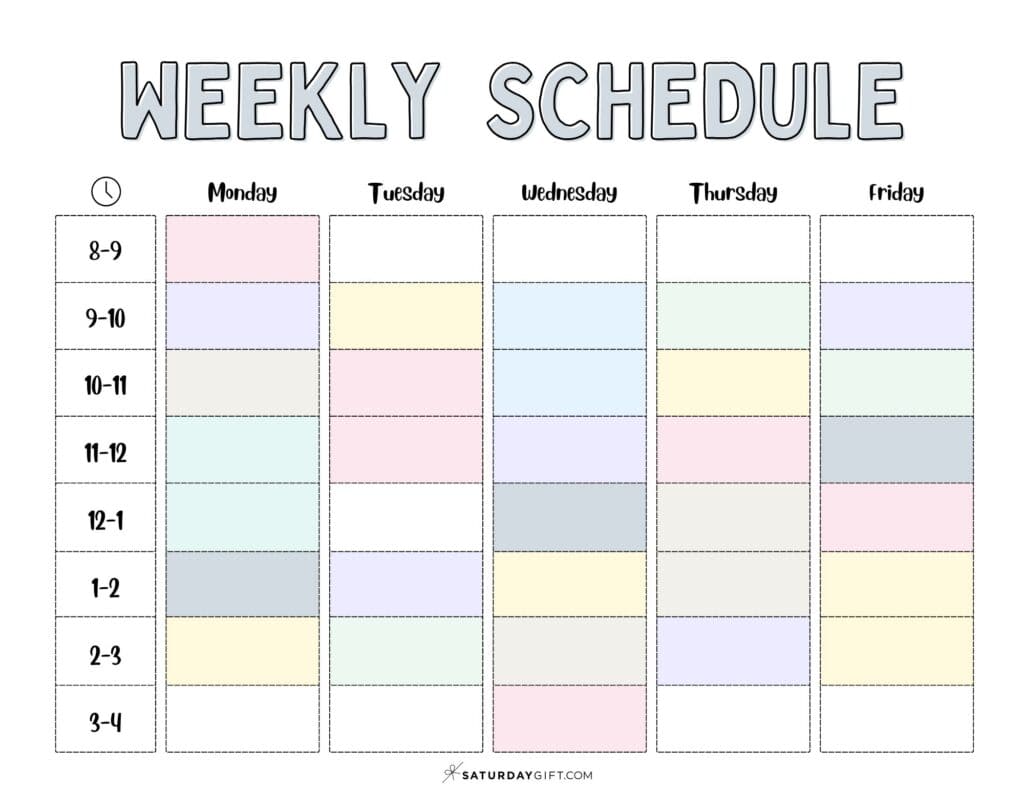
4. Visually schedule time blocks
Now comes the fun part — turning your day into (color-coded) blocks.
Create time blocks for:
- deep work
- admin tasks
- planning
- household tasks
- errands
- personal time
- buffer time (this is important!)
And of course, add your own blocks that make sense for your life — school pickups, creative time, study sessions, family routines, anything that needs a home in your day.
If you plan digitally, you can simply drag and drop tasks whenever something pops up. It makes scheduling tasks feel flexible and calm.
5. Add buffer time around demanding tasks
Large or long tasks tend to grow.
A gentle 10–15 minutes of buffer time helps you transition, breathe, and reset.
6. Review and adjust
Time blocking isn’t meant to be perfect.
It’s meant to guide your daily schedule in a calm and realistic way.
A Few Simple Time Blocking Methods to Try
🌷 Traditional Time Blocking
Assign a specific task (or type of task) to a specific block.
🌼 Task Batching
Group similar tasks together so your brain stays in the same “mode.”
🍃 Day Theming
Give each day (or half-day) a theme:
- Monday = admin + planning
- Tuesday = creative work
- Wednesday = errands
- Thursday = money making actions
- Friday = wrap-up and household tasks
🌙 Deep Work Sessions
Protect larger blocks for focused projects — without switching between apps, tabs, or interruptions.
💫 Timeboxing
Set a time limit for a particular task so it doesn’t expand forever.
You can mix and match until you find a system that feels natural.
Common Time Blocking Mistakes to Avoid
Don’t worry — these are normal! And they’re easy to fix.
- ❌ Trying to schedule every minute
- ❌ Forgetting buffer time
- ❌ Underestimating how long tasks take
- ❌ Overloading the day with more tasks than you can realistically do
- ❌ Ignoring your energy levels
- ❌ Moving your blocks so much that the schedule becomes stressful
Successful time blocking allows flexibility.
If your afternoon changes, you simply drop tasks into another block or move a few things around.
💛 Popular Time-Blocking Apps And Productivity Tools
You don’t need a complicated system to make time blocking work — but a few well-chosen tools can make planning your day feel calmer and more intentional.
Here are the most popular, easy-to-use apps and tools that pair beautifully with printable planning:
🗓️ 1. Google Calendar
A classic for a reason. Google Calendar is perfect for visually scheduling time blocks, color-coding your day, and keeping everything neat and predictable.
It also syncs beautifully with Google Tasks if you want a lightweight task manager built right in.
💻 2. Asana
Asana is an excellent project management tool for juggling bigger plans — content calendars, blog post ideas, home projects, work tasks, and more.
You can organize all your tasks here and then block actual time for them using your printable or calendar app.
⏱️ 3. Clockify
Clockify helps you understand how long tasks actually take, which makes your time blocks more realistic.
It’s a simple time tracking app you can use alongside a printable or digital schedule.
✨ 4. Notion
Think of Notion as your digital “everything notebook.”
You can store meeting notes, blog post outlines, workflows, and even create a mini time blocked schedule inside it.
It’s flexible, clean, and wonderful for big-picture planning.
📝 5. Todoist
Todoist is perfect if you love making lists.
It’s a clean and friendly task manager that helps you gather all your tasks in one place before assigning them to time blocks — either in a printable or your favorite calendar app.
🍅 6. Focus Keeper (or any Pomodoro-style timer)
If you enjoy working in short, focused bursts, a Pomodoro-style timer helps you stay concentrated on one task at a time.
It pairs beautifully with time blocking, especially for deep work sessions or larger creative projects.
–
You don’t need all of these. Truly — one app plus a pretty printable is more than enough to create a time-blocked day that feels calm, grounded, and doable.
Final Thoughts: Time Blocking Can Help You Create a Calmer Day
You don’t need to fill your calendar or schedule your entire day minute by minute.
Time blocking simply creates a structure so your most important tasks — and your personal time — get the space they deserve.
It’s not about doing everything.
It’s about focusing on what matters, one calm block at a time. 💛
Related: Time Blocking Template – 52 Free Daily & Weekly Time Blocking Printables
Pin it!